
Burke County Smart Search
Burke joined eCourts on October 13, 2025. The public now starts at the North Carolina eCourts Portal. Smart Search there shows public Case Summary and Register of Actions data. Remember what Portal is: a window into Enterprise Justice (Odyssey), not the clerk's official record. It stays anonymous and free for public information. A registered account mainly saves cases rather than granting wider access.
Start with a plain name or case number. Advanced Filtering comes next. It narrows results to Burke County, a filing range, case type, status, or party detail. Filters never run on their own, so that order matters. The official Portal training materials lay out the public tools and where their access ends.
The Judicial Branch's Portal training page shows the public search tools. These have been in place since the statewide rollout.
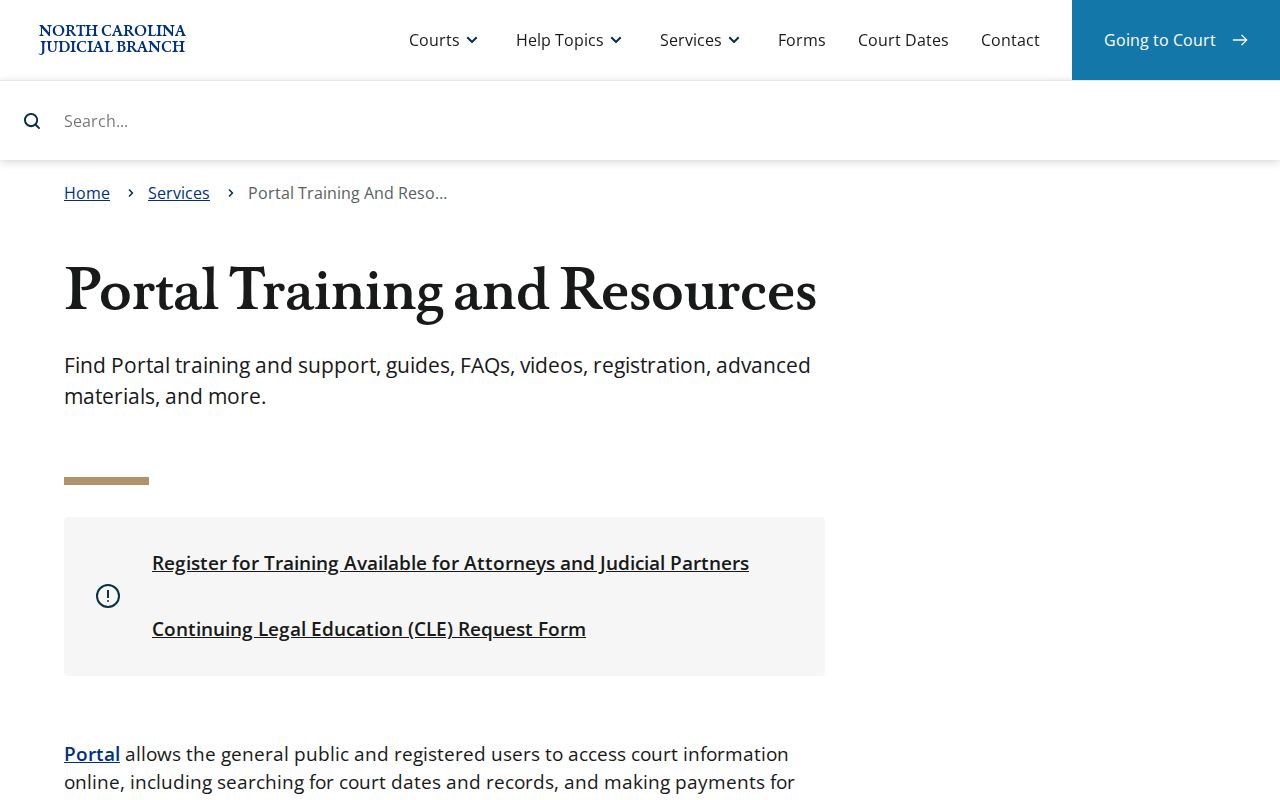
The training material helps most when a public result needs a sharper location or case-type filter.
Name-Based Case Searches
Name searches work best in the Portal format Lastname, Firstname. Enter the name. Then add the Burke County location. That keeps statewide results from burying the local match. A party search can surface public names and aliases tied to a case. Victims are excluded. Portal also masks the month and day of birth for ordinary public users. A common name may still need careful narrowing. Only then do you find the right Burke County docket entry.
- Open Portal Smart Search and enter a name as Lastname, Firstname.
- Submit the basic query before opening Advanced Filtering.
- Select Burke County and, if useful, a case type, status, or filing-date range.
- Review the result details and open the underlined case number for the public Register of Actions.
| Field label | Type | Required | Burke use |
|---|---|---|---|
| Record Number OR Name | Text | Yes, one basic value | Use a case number or Lastname, Firstname. |
| Location | Dropdown | No | Select Burke County after the basic query. |
| Case Type / Status | Dropdown | No | Use only a live Portal category that fits the known case. |
| Case Filing Date Range | Date range | No | Useful for narrowing a broad result. |
Burke County Search Filters
The Portal caps any search at 200 results. That cap matters. If the screen says 200 results came back, your Burke County docket search is not complete, and the first page is only a sample. Narrow things down instead of trusting it. Filter by location, case type or status, filing window, and name. A known date of birth can work as a Portal criterion in the right situation, though what the public sees stays limited.
Wildcards help you narrow, too. They cannot replace real identifying details. For a case-number wildcard, type at least four characters before *. For a name wildcard, you need three or more last-name letters plus an asterisk and at least one first-name letter plus an asterisk. Business names are the trap: a wildcard fails if the first three characters include a space, special character, or number, so pick the Business Name search type there instead.
Case Number Searches
Start with the full record number if you have it. A complete number is the sharpest tool for a Burke County docket search. Copy it straight off a citation, summons, calendar, or other court paper. Do not rebuild it from memory. In Smart Search, drop it into the basic Record Number OR Name field. Then open the underlined result that matches. When a number returns nothing public, the cause could be simple. Bad formatting can hide a docket from view. So can a legacy record, a case filed in a different county, or an access restriction.
Need official confirmation of a known Burke case? The county clerk is the follow-up that settles it. For a wider look at the public search workflow, Burke County court case records walks through the clerk-held file and copy routes.
Burke County Case Number Format
Enterprise Justice builds its case numbers from four parts. You get a two-digit filing year, letters marking the case type, and a six-digit sequence, followed by a hyphen and a three-digit county identifier. The official guide offers a generic illustration, 21CR000007-910, which shows the pattern only; it is not a confirmed Burke suffix.
- Filing year
- The first two digits identify the filing year.
- Case type
- Letters classify the court action, such as a criminal or civil category.
- Sequence
- The six-digit portion identifies the numbered file within its system sequence.
- County identifier
- The final three digits follow the hyphen; use the number printed on the actual Burke record.
Older records converted from legacy systems may still carry labels like CVD, CVM, or CVS. Seeing one does not license guessing the rest of the case number.
Case Search Results Explained
Click a public result. You land on Portal's Register of Actions. Many people call it a Case Summary. Think of it as a near-real-time public timeline built from the clerk's official record for the case. What appears on screen varies with the case category. Each type of case populates different fields. One quirk deserves a heads-up. An older event may show a time of 12:00 a.m. That can be a migration timestamp, not a real courtroom hour.
| Case Number | The Enterprise Justice record number for the public case. |
|---|---|
| Case Information | Case-level metadata, with labels that can vary by category. |
| Parties | Public party information; search results exclude victims. |
| Case Events | The chronological public event history, including filings or settings where available. |
| Hearings and Dispositions | Sections shown when recorded; Search Hearings is better for a current date check. |
| Financial Information | A section shown only when values exist. |
Burke County Register Details
A Burke County Register of Actions can include Assignment Information, Parties, Case Events, Dispositions, Hearings, Financial Information, and public documents. Civil, family, probate, and mental-health dockets may add a Causes of Action section too. Don't expect every block on every case, though. A Burke County docket search result may show no hearing or financial section. That often just means nothing was entered there yet.
Public documents must be downloaded one at a time. Sealed and confidential materials never display. Some restricted files require statutory elevated access to view. Occasionally a public document is too large for the online viewer. In that situation, the Burke Clerk may be able to supply a split file.
Two Ways to Search: County and State
Burke does not run its own public case portal next to the statewide one. Portal covers the whole state, and its Location filter creates the Burke County view. Got a known Burke case? Filter straight to the county. Unsure where it was filed? Search statewide first, then narrow it down. Either way, the clerk office stays the local channel for the official record.
| Portal statewide view | Burke County-filtered view |
|---|---|
| Searches public information across eCourts counties. | Uses the same Portal, limited to Burke County results. |
| Useful when the filing county is uncertain. | Useful when the case is known to be in Burke. |
| Shows public Case Summary information, not the official record. | Still requires the Burke Clerk for certified or physical file access. |
Burke County Hearing Search
Need a current hearing date in Burke County? Start with Portal's Search Hearings tool rather than Smart Search. It asks for a location, a hearing type, and a search type. From there the query can run on a case number. It also accepts a party or business name, an attorney name or bar number, a judicial officer, or a courtroom. Text-based searches add a date-from and date-to window to narrow the docket results.
If a setting might have moved, verify it in steps. Check Search Hearings first. Then the Case Summary hearing section. Then Burke's posted civil or criminal calendar. Then the right court office. Finally the clerk. The North Carolina calendar service is only a published snapshot. After a continuance it cannot replace a live check of the court docket.
Which Cases Stay Restricted
Not every Burke County court record is open on Portal. Juvenile records stay sealed from public view unless a law or court order allows access. Sealed and confidential cases never show up, even for registered users. Some protective-order details and unreturned warrants carry access limits too. The public sees only a masked month and day of birth.
A search that returns nothing does not prove a case never existed. Recheck the spelling, the number, and the Burke County filter first. Then call the Burke Clerk at (828) 433-3200 or use the clerk public terminal. A public case can still sit outside the online docket. Opening an account will not lift these limits. It will not restore an expunged record to public Portal access.
Burke County Account Limits
A Portal account lets a Burke County user save cases in My Cases. But it grants no elevated access on its own. That matters when a Burke County search result comes back restricted. Elevated access is statutory and tied to a person's role, never a public subscription choice. Portal is not the filing system either. Attorneys and parties use the separate File & Serve system for electronic filing where required.
Public search limit: A public Portal screen is a reference to available case information. For a certified document, restricted record question, or physical file, contact the Burke Clerk rather than relying on the screen as final proof.
Burke County Missing Case Path
When Portal comes up empty, slow down and recheck the basics first. Confirm the exact spelling, the number format, and the Burke County location filter. The next stop is the Clerk of Superior Court at the Burke County Courthouse. The Judicial Branch notes that clerk-office public terminals search criminal, civil, special-proceeding, and estate information. A case file is inspected in the clerk office for the county where it sits.
The official Burke courthouse page gives the Clerk's main phone as (828) 433-3200. The Burke contact directory lists Superior Court Judges at (828) 433-3216. It also lists District Court Judges at (828) 695-6215. These channels can settle a current court question. They also beat assuming a displayed time is still the active setting on the docket.
Burke County eCourts Change
The October 2025 Burke eCourts announcement explains why one public search screen now holds Burke's Superior and District Court records. Older records have quirks too. Legacy ACIS, VCAP, OCAP, CCIS, and PayNCTicket data were converted before go-live. A historical event may carry a conversion timestamp. An old document may still need help from the clerk.
Federal cases run on a separate track. Burke sits in the Western District of North Carolina. Its federal docket system is PACER, not Portal. PACER's official docket service is the place to start for a federal matter. It does not replace a Burke Superior or District Court Register of Actions.
PACER's official access page shows that separate federal docket route.
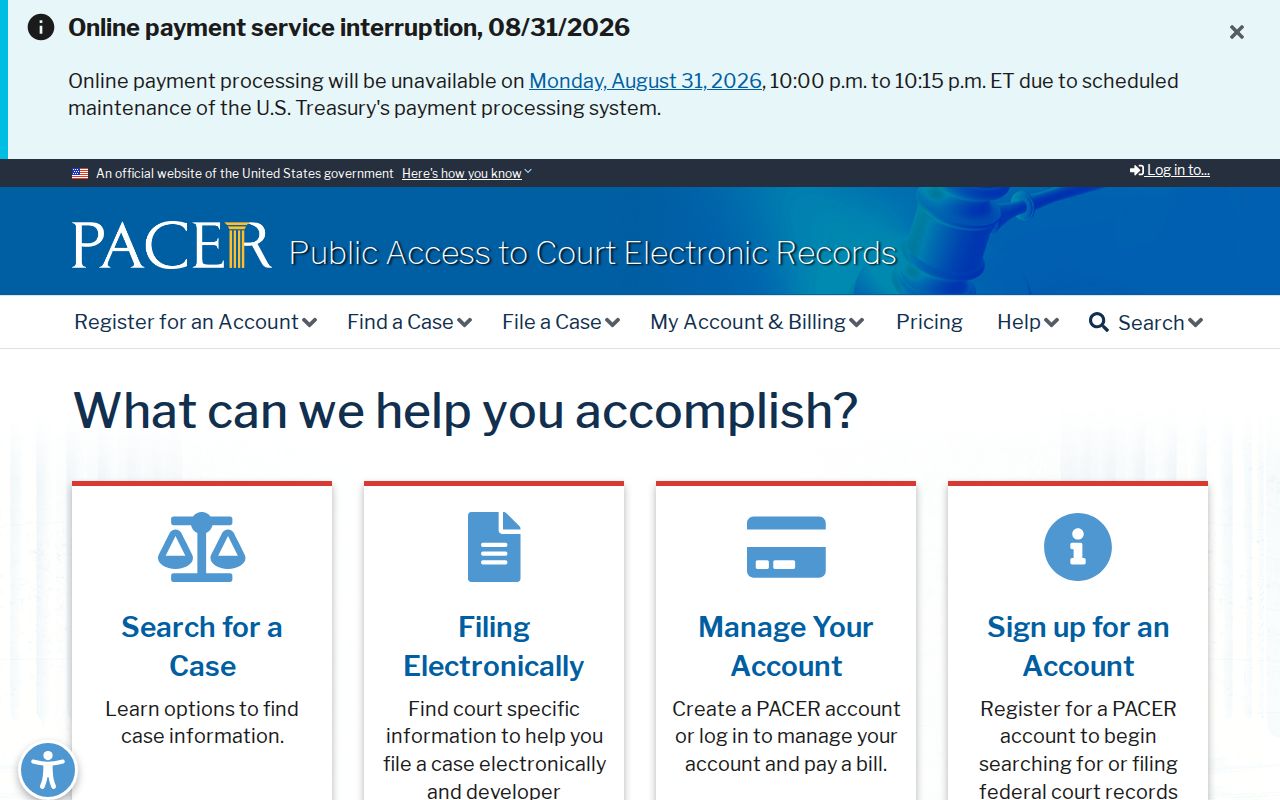
Keeping federal and Burke County searches separate matters. It stops a state-court no-result from being misread as proof about a federal case. The U.S. District Court for the Western District of North Carolina is the federal court that covers Burke County.
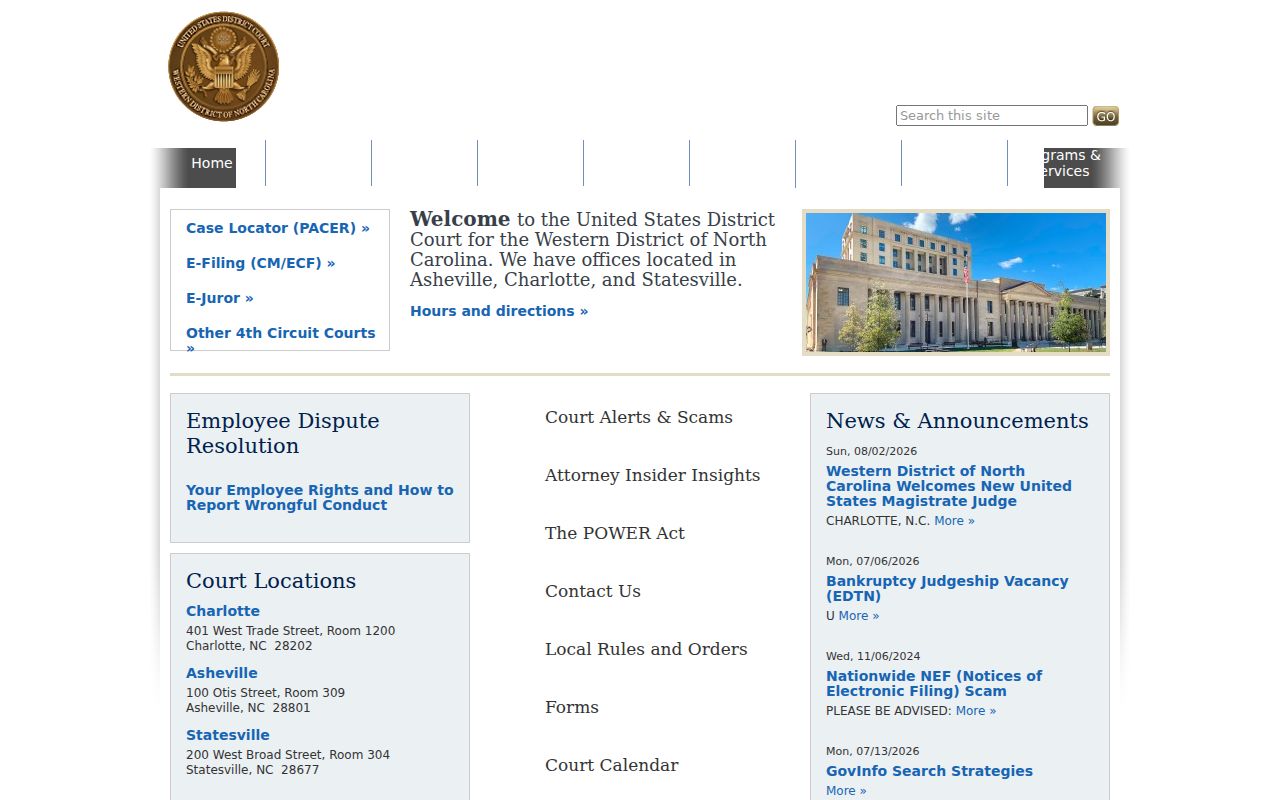
The federal court page drives home the split. A Burke County Portal search and a PACER search are two distinct public-record paths.